
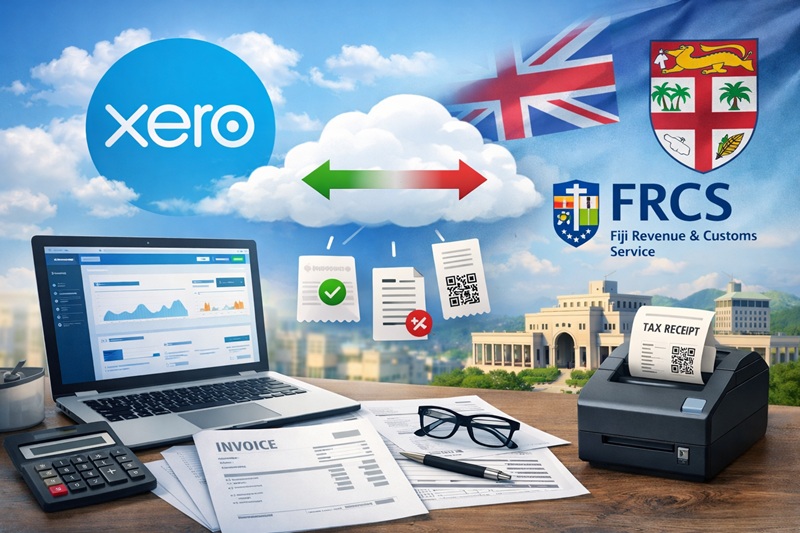
Xero is a popular choice for cloud accounting because it keeps books, invoices, and reporting in one place. But FRCS VMS fiscalization is a different system with different responsibilities — and connecting the two correctly usually requires a purpose-built integration.
Why Xero is attractive for Fiji businesses
Xero is a cloud accounting platform designed for day-to-day bookkeeping, invoicing, bank reconciliation, reporting, and collaboration with accountants. The main appeal is simple: you can work from anywhere and keep finance processes consistent across teams.
In Fiji, many businesses and accounting practices use cloud accounting tools (including Xero) as part of modern finance operations. However, it’s also worth knowing that some features (like full local payroll) may vary by country and organisation setup. If you’re planning payroll, it’s smart to check Xero’s current Fiji support first.
What FRCS VMS requires (and why it’s different from accounting)
FRCS VMS is focused on fiscal compliance: capturing sales/invoice data in a regulated format, using approved mechanisms and accredited solutions. In practice, fiscalization typically sits in the transaction path (at POS / invoicing time), not after the fact.
This is where many teams get surprised: accounting is about recording and reporting finances, while VMS is about compliance-time submission/verification of sales transactions.
- Xero is your accounting ledger and finance workflow hub.
- VMS is a compliance system that expects the right data, in the right flow, through approved components.
- SDC (Sales Data Controller) is typically the compliance layer that produces/validates fiscal invoice data and coordinates submission.
FRCS also maintains VMS guidance and accreditation references, which is why most implementation decisions start by confirming what’s considered compliant.
The key point: there isn’t an “out-of-the-box Xero → FRCS VMS” button
Xero has a rich ecosystem of integrations and APIs, and it’s built to connect with many third-party systems. But FRCS VMS fiscalization is a country-specific compliance flow, and it’s not the same category as “standard accounting integrations.”
In other words: you can integrate systems with Xero, but for FRCS VMS you typically need a custom integration that:
- maps your invoice/sales data into the required fiscal model
- handles the correct VMS flow (including the compliance-time response behavior)
- works reliably even when connectivity is unstable (where the approved design expects it)
- keeps your accounting records and fiscal records consistent (no duplicate or mismatched invoices)
Common architectures that work (without breaking accounting)
1) POS (or invoicing app) fiscalizes first, then syncs to Xero
This is the most common approach when you have a POS system or an invoicing front-end. The fiscalization happens at the point of sale, then the financial outcome is posted into Xero.
2) Cloud sales system + integration layer that writes to both VMS and Xero
If your “front office” is a cloud app (orders, billing, subscriptions), you usually implement an integration layer that: sends the right data to the SDC/VMS flow and also posts the accounting transaction into Xero.
3) Xero invoices exist, but you still need a fiscal compliance bridge
Some teams try to generate invoices inside Xero and then “push” them to fiscalization. That can work only if you build a reliable bridge that transforms the data correctly and manages status, retries, and reconciliation.
Where FiscoBridge fits in
FiscoBridge provides an SDC-based solution and integration approach designed for FRCS VMS (including V3 alignment). The goal is to let businesses keep using Xero for what it does best — accounting — while ensuring fiscalization is implemented properly through an approved-style flow.
- Integration layer: map your POS or invoice data to the required fiscal request model.
- V3-aligned flow: implement the correct endpoint behavior and validations (as required by VMS V3 upgrades).
- Consistency: keep your Xero posting and your fiscalization submission aligned (same invoice identity and totals).
- Implementation support: guidance for POS vendors and system integrators to reduce interpretation risk.
Quick checklist before you start
- Confirm your sales flow: Where is the invoice created — POS, eCommerce, Xero, or custom app?
- Decide the “source of truth”: Which system owns invoice numbering/identity?
- Plan for failures: What happens when internet is unstable or an endpoint returns a validation error?
- Prevent drift: How will you ensure fiscal totals and Xero totals match every time?
- Track FRCS updates: Monitor notices and VMS guidance: FRCS public notices.
Bottom line: Xero is a great accounting system in Fiji — but FRCS VMS compliance needs a dedicated fiscalization path. If you want Xero + VMS to work cleanly together, the integration design matters more than the software choice.
FiscoBridge provides integrations with accounting and ERP systems like Xero, Zoho, MYOB and more, designed to work with FRCS VMS compliance requirements.