
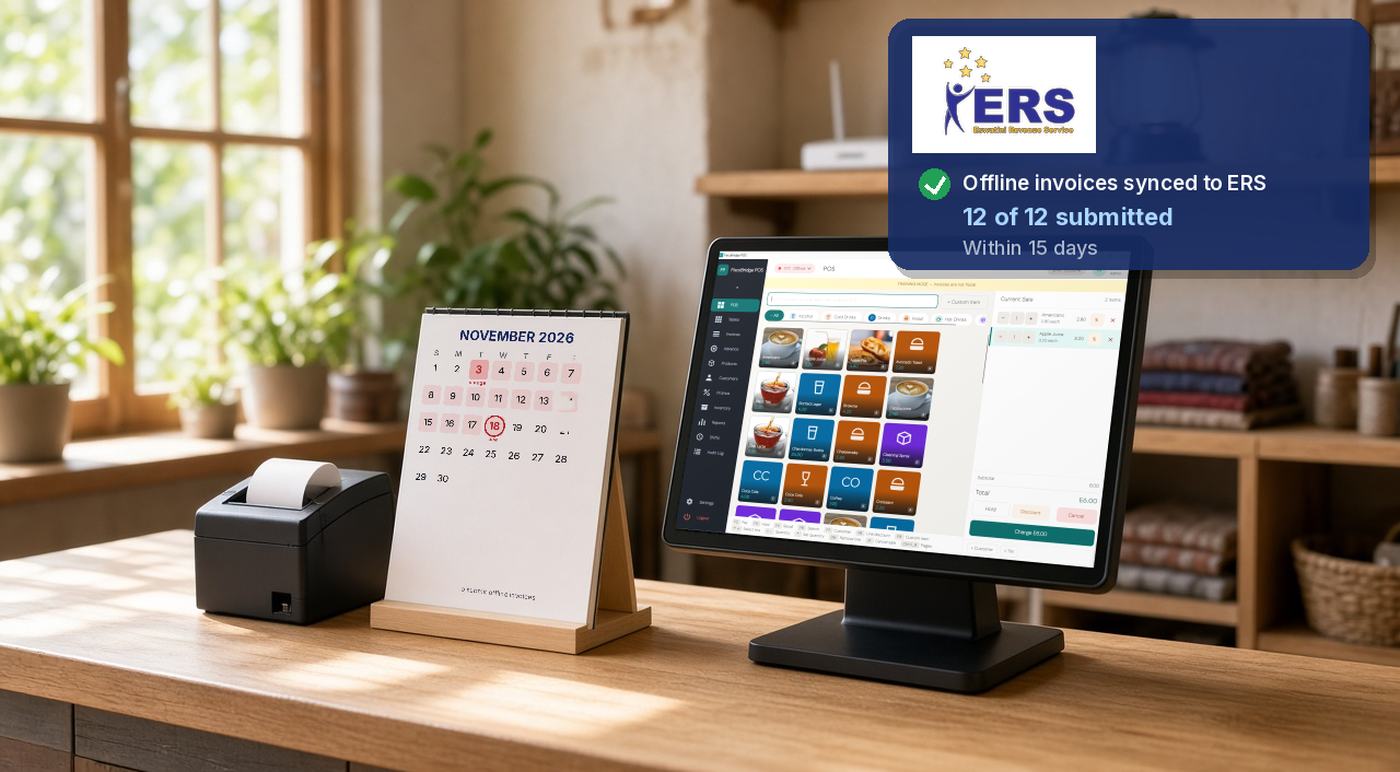
Under Eswatini's ERS Fiscalisation Notice, fiscal data should reach the ERS e-Invoicing System in real time. If power, internet or another interruption delays that, your electronic fiscal device (EFD) must store the data safely and you must make sure it is transmitted within 15 days of the date each fiscal document was created, unless ERS sets a shorter period. [1]
This guide is for owners, store managers, IT staff and accountants who review transmission status. It turns the Notice's transmission rules into a practical runbook for during and after an outage. For the wider Eswatini picture, start with our overview of Eswatini ERS e-invoicing.
Summary
- Real time is the default. The 15-day window is a ceiling for interrupted transmission, not a free delay.
- The clock starts on the invoice date, not on the day the outage began.
- Your device must keep the data safe through power or network loss and must stay usable during business operations.
- On-premise signing can continue offline; cloud-only tools that need a live link to the tax authority cannot.
- After the outage: confirm the pending queue has uploaded, check for failures, keep device logs and record the incident.
What the Notice says
ERS's Fiscalisation Notice, in force since 15 July 2026, sets out how fiscal data must move from your EFD to the ERS e-Invoicing System. In plain terms it says: [1]
- Transmit fiscal data and return-supporting records in real time, or, where real-time transmission is not available, within the period ERS prescribes.
- If transmission is delayed by a break in connectivity, power or other operations, the EFD must store the fiscal data securely and keep it intact until it can be sent.
- You must make sure the data generated by the EFD is successfully transmitted within 15 days from the date the relevant fiscal document is created, unless ERS sets a shorter period.
- You must take reasonable steps to monitor whether transmission succeeded, and fix any failure, delay or interruption without undue delay.
- The EFD must be operational during business operations, must not lose fiscal data when power or network fails, and any malfunction must be fixed without undue delay while keeping the data intact.
- You must also maintain the records and logs the EFD generates.
This article summarises public ERS material and is not legal or tax advice. Check the official Notice and Technical Guidelines, or ask ERS, before you act.
Real time is the default
Real-time transmission is what ERS expects in normal conditions. The 15-day figure is an outer limit for when an interruption has delayed the upload. It is not a target to aim for, and ERS can prescribe a shorter period. [1]
Plan as if every signed invoice should leave your site as soon as the connection allows. Do not treat a quiet period after an outage as spare time.
What your system must be able to do
ERS's technical rules for an on-premise sales data controller (often called an E-SDC) require it to generate an invoice without an internet connection, to document how many invoices it can hold in internal memory while offline, and to keep an exportable rolling error log covering at least the last 30 days. [2]
Two setups behave differently when the line drops:
| Setup | Where signing happens | During an outage |
|---|---|---|
| On-premise controller (E-SDC) | On a device at your premises, using your Smart Card for invoicing | Can sign and store invoices locally, then send them when the connection returns |
| Cloud controller (V-SDC) | In the tax authority's cloud service; cloud tools use a PFX certificate file | Needs a live internet link. If the service cannot be reached, the invoice request fails |
The admin or registration card used to manage your taxpayer account is separate from the Smart Card or PFX file used to sign invoices. Keep both available, but do not mix them up when recovering after an outage.
During the outage
Keep issuing fiscal invoices only if your device can sign them and store the fiscal data without a live connection. That is the on-premise path above.
If your only tool is a cloud service that must reach the tax authority to sign each invoice, it cannot sign invoices while that service is unreachable. Do not invent a handwritten "fiscal" receipt or any other unofficial fallback.
While you wait, protect the device and any stored data, avoid clearing logs, and note when the outage started and which tills or locations were affected.
After the outage
When power and internet return, work through this recovery checklist:
- Confirm the pending queue has uploaded. Check that invoices signed during the outage have reached the ERS e-Invoicing System, and that totals match what you expected.
- Look for failed or stuck documents. Fix failures without delay. Do not assume the 15-day ceiling covers a problem you already know about.
- Keep the EFD logs. The Notice requires you to maintain the records and logs the device generates. Export them while the incident is fresh. [1]
- Record the incident. Note the start and end of the outage, which locations were affected, how many invoices were waiting, and who fixed the upload.
- Watch the calendar. Remember the 15 days run from each document's creation date. Older invoices from a long outage hit the limit first.
Copies and reprints after an outage
If a customer asks for a reprint after the outage, use the system's own copy function. In TaxCore-based setups a copy is a separate document that must be processed by the sales data controller. Do not hand-write a duplicate receipt and treat it as a fiscal copy.
A copy refers to the original sale. It does not replace an invoice that never reached ERS. If an invoice failed to transmit, fix the upload of the original rather than printing a paper stand-in.
Where FiscoBridge fits
FiscoBridge SDC is an ERS-accredited on-premise controller. It keeps signing and storing invoices offline for as long as it has enough memory, and syncs them to ERS when the connection returns. You can also export diagnostic logs from the SDC to share with support after an incident. [5][6]
Web Invoicing (Cloud POS) signs through the tax authority's cloud service using a PFX certificate. It has no local queue of unsigned invoices. If that service cannot be reached, the request fails. [7]
If invoices from your accounting software fail after the line returns, see our guide to troubleshooting failed integration invoices. [8]
For the full set of Eswatini options by how you invoice today, see the FiscoBridge Eswatini ERS page, or use the Solution Checker if you are unsure which setup fits. [4]
Frequently asked questions
Can I keep selling during a power or internet outage?
Only if your fiscal device can sign invoices and store the data without a live connection. If your setup needs the tax authority's cloud signing service and that service cannot be reached, do not invent a handwritten fiscal receipt.
Does the 15-day clock start at the outage or at the invoice?
At the invoice. ERS's Fiscalisation Notice counts the 15 days from the date the fiscal document was created, not from the day the outage began.
Can ERS set a shorter period than 15 days?
Yes. The Notice says fiscal data must be transmitted within 15 days unless the Commissioner General prescribes a shorter period. Treat 15 days as the outer limit, not a target.
What if invoices still fail to upload after the connection returns?
Keep monitoring and fix the failure without delay. Contact your fiscalisation supplier, export and keep your device logs, and record what happened. Do not assume the 15-day window excuses a known upload failure.
Does Web Invoicing work during an internet outage?
No. Web Invoicing needs a live connection to the tax authority's cloud signing service. If that service cannot be reached, the invoice request fails. There is no local queue of unsigned invoices waiting to be sent later.
Sources
All sources were reviewed on 9 November 2026.
Official ERS sources
- ERS: Value Added Tax (Electronic Submission of Fiscal Data and Return-Supporting Records) Notice, 2026, in force 15 July 2026: Transmission and Continuity (real-time transmission, secure storage during interruptions, 15-day ceiling from the date the document is created, monitoring, operational continuity) and Obligations of persons required to submit fiscal data (maintain EFD records and logs) (PDF)
- ERS: Technical Guidelines for the Accreditation of EFD solutions, 2026: E-SDC operational functions (invoice generation without internet, documented offline storage capacity) and E-SDC logging (exportable rolling log covering at least the last 30 days) (PDF)
- Eswatini Revenue Service home page