
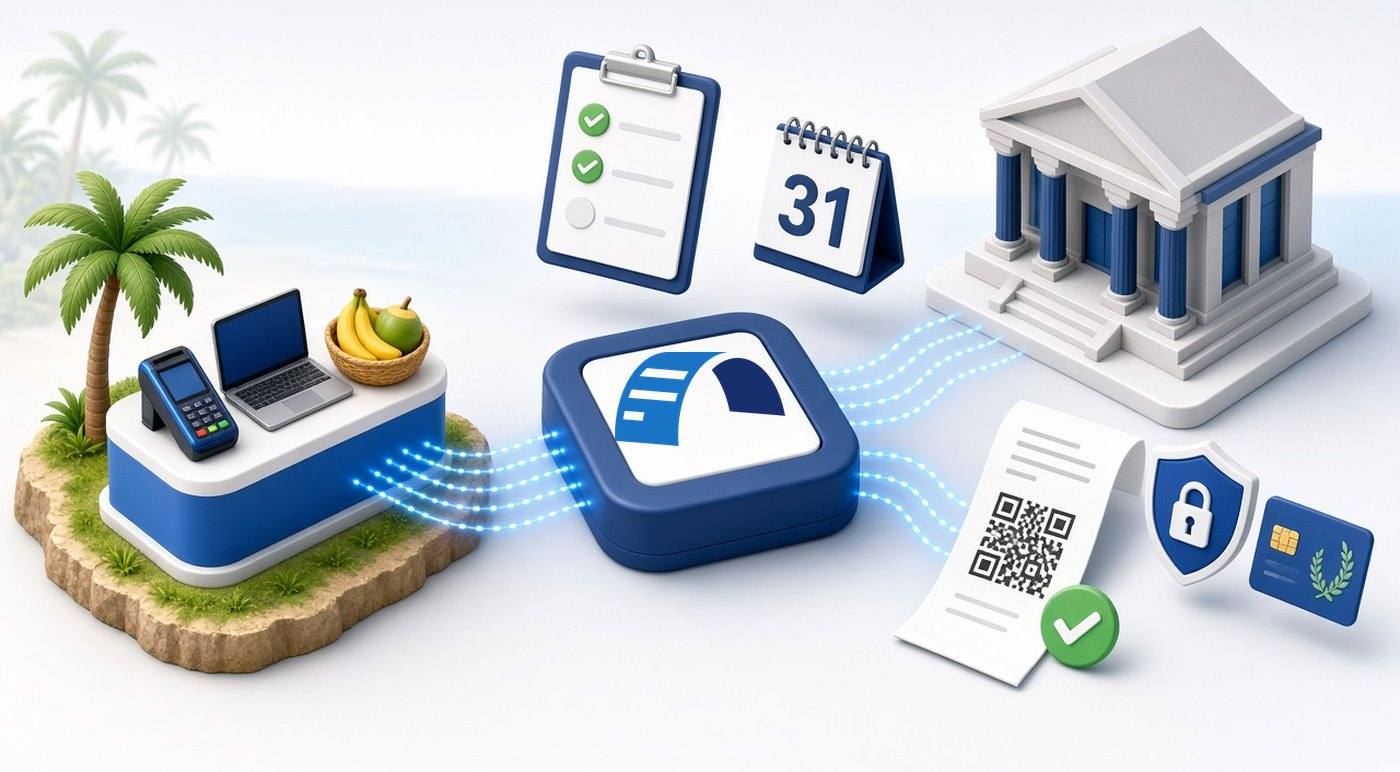
DCIR's VSMS compliance schedule gives Small and Micro businesses in Port Vila and Shefa until 31 December 2026. Many businesses have already logged into the Taxpayer Administration Portal (TAP) and assume the job is done. It is not: a TAP login is only the start of enrolment. [1][4]
This guide explains who the date applies to, what DCIR requires, the gap between being enrolled and being compliant, and a checklist to close that gap before the deadline.
Summary
- The date: 31 December 2026 for VAT registered Small and Micro businesses in Port Vila and Shefa.
- Who: annual turnover of 4 million but less than 10 million in 2025, as Public Notice 006 of 2026 puts it.
- What DCIR requires: register for enrolment, install and maintain an accredited system, and complete enrolment.
- The gap: after the TAP login you still need a Smart Card or PFX certificate, an accredited solution set up with it, and live fiscal invoices with a QR code.
- No extension found: the published extensions cover the Medium and Large segments only.
Who the 31 December 2026 date applies to
Public Notice 006 of 2026, dated 25 February 2026, says VSMS is now in enforcement and is being introduced in three phases, beginning in Shefa Province and gradually extended to other provinces. Its dates apply to VAT registered businesses in Port Vila and Shefa at large. [1]
| Segment | Annual turnover in 2025 | Deadline in Port Vila and Shefa |
|---|---|---|
| Very Large | 100 million and above | 30 June 2026 |
| Medium | 10 million but less than 100 million | 30 September 2026 |
| Small and Micro | 4 million but less than 10 million | 31 December 2026 |
The notice gives no dates for provinces outside Shefa and no date for businesses with turnover under 4 million. If either applies to you, contact DCIR at vsms@vanuatu.gov.vu or +678 7189355 / 5971937 rather than assuming a date. [1]
For the dates of every segment, see our guide to VSMS 2026 deadlines for Port Vila and Shefa.
What DCIR requires
Public Notice 006 of 2026 lists three things a business must do: register for enrolment in VSMS, install and maintain an accredited system at its business premises, and complete enrolment into VSMS. It adds that all businesses must complete enrolment and system accreditation before their applicable deadline. [1]
The VSMS FAQ says manual invoices are not allowed and that businesses must engage only accredited vendors. Taxpayers choose their solution from the official list of accredited products. [5][2]
New to VSMS? Our introduction, Vanuatu VSMS is now live, covers the basics.
Enrolled is not the same as compliant
DCIR's Standard Operating Procedure sets out five steps: registration, enrolment through a TAP login with two factor authentication, a request for a secure element, personalization, and completion. Only after all of them, it says, does the taxpayer become fully compliant. [4]
DCIR's extension page, written for Medium taxpayers, makes the same point directly. It says enrolling successfully, meaning logging into your TAP, does not on its own mean your business is compliant. A compliant business has enrolled, requested its PFX certificates or secure elements, and is actively working with an approved vendor or its own developers to transmit transaction data and issue fiscalised invoices. [6]
| Stage | What it means | Compliant yet? |
|---|---|---|
| Registered | Your VSMS registration has been submitted and verified. | No |
| Enrolled | You can log into the TAP with two factor authentication. | No |
| Credential requested | A Smart Card or PFX certificate has been requested and issued. | No |
| Accredited solution live | An accredited solution signs every sale and issues fiscal invoices with a QR code. | This is what DCIR describes as completion |
A checklist to close the gap
- Confirm your segment. Check your 2025 turnover and location against Public Notice 006 of 2026. [1]
- Finish registration and enrolment. Register through the VSMS registration page and log into the TAP. [3][4]
- Choose an accredited solution. Check the POS and the SDC on the separate tabs of the VSMS list of accredited products, and confirm the version you will run is listed as accredited, not revoked. The FAQ says free accredited web and mobile POS options exist for small businesses. [8][5]
- Request the right credential. The SOP says a Smart Card functions both offline and online and is recommended for businesses with high daily sales, while a PFX digital certificate functions online only. Ask your supplier which one its solution needs before you request it. FiscoBridge's guide to requesting a digital certificate shows the PFX steps. [4][10]
- Check your hardware. The FAQ says printers must produce scannable QR codes and card readers are available from local retailers. Plan for internet outages and power cuts with your supplier. [5]
- Test, then go live. Ask your supplier how to test before live use; our guide to testing with training invoices lists what to check. Then issue your first live invoice and verify its QR code at vsms.gov.vu/verify. [9]
- Train staff. Everyone who issues receipts should know that manual invoices are not allowed and what to do if the system is down.
Illustrative example
A Port Vila retailer with 2025 turnover of VT 7 million logged into the TAP in September and stopped there. It is enrolled but not compliant. Before 31 December 2026 it still needs to choose an accredited solution, request the credential that solution uses, set it up, and verify a live invoice.
If you invoice from accounting software
Using an accounting system does not make a business compliant by itself. On its extension page for Medium taxpayers, DCIR says reliance on a standard accounting system is not on its own a valid reason for a longer in-house period, because accredited VSMS bridging solutions are already available. [6]
If you invoice in Xero, see our guide to keeping Xero and becoming VSMS compliant. Whatever the software, the invoices it issues must be fiscalised through an accredited solution.
What DCIR has not said about missing the date
Public Notice 006 of 2026 does not list penalty amounts for Small and Micro businesses. The amounts published so far appear on the extension page for Medium taxpayers and in Public Notice 011 of 2026 for the Large segment. They do not say they apply to Small and Micro businesses. [1][6][7]
If you expect to miss 31 December 2026, contact DCIR before the date and keep a written record of the reply.
This article summarises DCIR public material reviewed on 28 October 2026. It is not legal or tax advice. Check the official sources below before acting.
Where FiscoBridge fits
Start with the FiscoBridge Vanuatu VSMS page, which sets out the options by how your business issues invoices today. [12]
- Existing POS: FiscoBridge SDC can work with a POS only if that POS has the required integration. Confirm with your POS supplier; an API alone does not make it compatible. [11]
- New till: FiscoBridge Desktop POS for Vanuatu.
- Browser invoicing: FiscoBridge Web Invoicing runs in a web browser and needs an internet connection.
- Accounting software: integrations for Xero, MYOB Business and supported AccountRight online company files, QuickBooks Online (QuickBooks Desktop uses a different connection model) and Odoo, using your PFX certificate.
Not sure which fits? Answer a few questions in the FiscoBridge solution checker.
Frequently asked questions
Does logging into the TAP mean my business is VSMS compliant?
No. Logging into the Taxpayer Administration Portal (TAP) shows that enrolment has started, not that the business is compliant. DCIR's Standard Operating Procedure describes further steps: requesting a Smart Card or PFX digital certificate, personalization and completion. DCIR's extension page for Medium taxpayers also says that a successful TAP login does not, on its own, mean a business is compliant.
Is there an extension for Small and Micro businesses?
We did not find one. The public extension page applies to Medium taxpayers only, and Public Notice 011 of 2026 covers the Large segment. As of 28 October 2026 we found no extension notice for Small and Micro businesses, so plan for 31 December 2026 unless DCIR tells you otherwise in writing.
My turnover is under VT 4 million. Does the 31 December 2026 date apply to me?
Public Notice 006 of 2026 defines Small and Micro businesses as those with annual turnover of 4 million but less than 10 million in 2025, and it does not set a date for businesses below that. We found no official statement on them, so contact DCIR at vsms@vanuatu.gov.vu to confirm your position.
How do I check that a POS or SDC is accredited?
Open the list of accredited and revoked E-SDC and POS products on the VSMS portal. Check the E-SDC tab and the POS tab separately and confirm that the product, and the version you will use, is listed as accredited and not revoked. Then confirm with your POS supplier that the POS and SDC work together.
How can I check that my invoices are valid?
Scan the QR code on a live invoice, or enter its details on the VSMS verification page at vsms.gov.vu/verify. DCIR says customers can use the same service to check invoices, and the VSMS portal lets them report fake receipts or discrepancies.
What happens if a Small or Micro business misses 31 December 2026?
Public Notice 006 of 2026 says all businesses must complete enrolment and system accreditation before their applicable deadline, but it does not list penalty amounts for Small and Micro businesses. Penalty amounts published so far appear on the Medium extension page and in the Large segment notice. Do not assume a figure for your business; ask DCIR if you expect to miss the date.
Sources
All sources were reviewed on 28 October 2026.
Official DCIR and VSMS sources
- DCIR Public Notice 006 of 2026: Compliance schedule for VSMS (PDF, 25 February 2026)
- DCIR: Vanuatu Sales Monitoring System (VSMS) information page
- DCIR: VSMS registration
- DCIR: VSMS Standard Operating Procedure (PDF)
- DCIR: VSMS FAQ (PDF)
- DCIR: VSMS extension page (Medium taxpayers only)
- DCIR: VSMS extension notice 2026 for the Large segment, Public Notice 011 (PDF)
- VSMS portal: List of accredited and revoked E-SDC and POS products
- VSMS portal: Verify an invoice